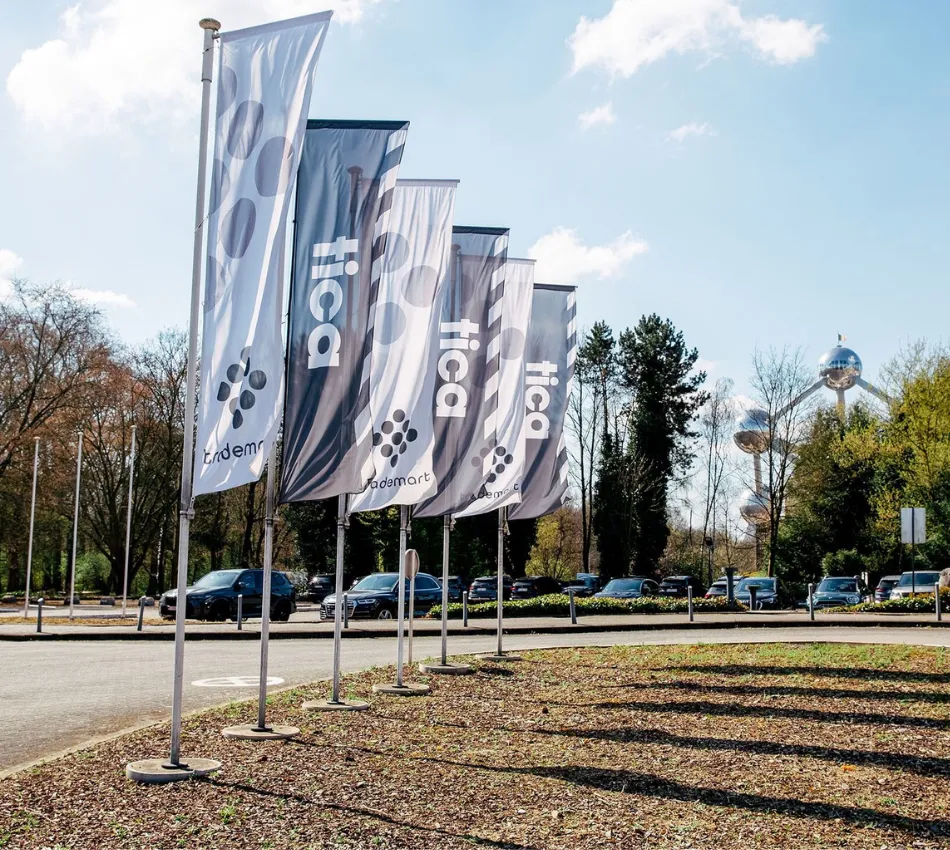
New access system in brussels

Nieuws > News > New access system in brussels

TICA Brussels is located in the Trademart building in Brussels. Starting June 24, 2025, the access system will change: access will no longer be with a physical pass, but through the MyTrademart app. With this app, you can easily manage your access to both the building and the parking lot, all with one personal QR code. No more hassle with passes or parking tokens: everything is conveniently in your app.

Read here how to manage your access to the Trademart building:

You Have Visited TICA Brussels Before

Step 1. Download the MyTrademart app

The app is available in the App Store (Apple) and Google Play Store (Android).

Step 2. Activate your Account
  • Click ‘I am already a Trademart customer’ in the app.
  • Enter your mobile number. You’ll use this to log in from June 24.
  • Your QR code is automatically ready in the app and will be active from June 24 for access to both the building and parking area. The QR code refreshes daily and appears on the app’s home screen.

You are Visiting TICA Brussels for the First Time

Step 1. Download the MyTrademart app

The app is available in the App Store (Apple) and Google Play Store (Android).

Monday through Friday

Step 2. Take a Ticket at the Barrier
Step 3. Report to Reception
  • Provide your company details at reception. They will assist you with accessing the app.


On Sunday

Step 2. Take a Ticket at the Barrier
Step 3. Register at the Kiosk
  • Go to the kiosk at the access gates.
  • Click ‘Request Access’ on the tablet.
  • Enter your company details.
  • Your request will be validated at a later time. You will receive a one-time access ticket with a QR code – time to shop! Once your request is approved, you will have access through the app for future visits.

Your QR code will work from June 24, 2025, for access to the building and parking.


Need Help? Read the FAQ below or Ask your Question at the Trademart Reception.

1. My QR Code is not Working

Increase your screen brightness and try again. Still not working? Use the intercom or go to reception.

2. The App is not Working Properly

Restart your phone or log in again. Problem persists? Reception will help you further.

3. Don’t Have a Smartphone with You?

Take a parking ticket and report to reception.

4. Phone Battery Dead or No Signal?

Visit reception. They will ensure you can still enter.

5. Unable to Pay Parking Fees

Having trouble paying at the barrier or in advance with your smartphone? Try a different payment method. Can’t figure it out? Use the intercom or ask for assistance at reception.

6. Where Can I Find the MyTrademart App?

Download the app for free from the App Store (Apple) or Google Play Store (Android).

7. Can I Still Use Parking Tokens?

No, they have expired. Take a ticket and pay at the barrier or via QR code with Payconiq.

8. Can I Bring Someone with Me?

Each visitor needs a personal QR code. Invite someone through your app.


Discover More

Juliette berlamont

Dutch sofa company at TICA projects venlo

TICA projects podcast

Solid wood with character from homelah!

Trendguide raw refined

Raw refined

Project design that makes an impression

Display with impact

From bodegraven to the art of living: simone van loon’s eye for atmosphere

Yoshion: contemporary chairs that stay put